IT insights, industry news, and practical tips for modern businesses.
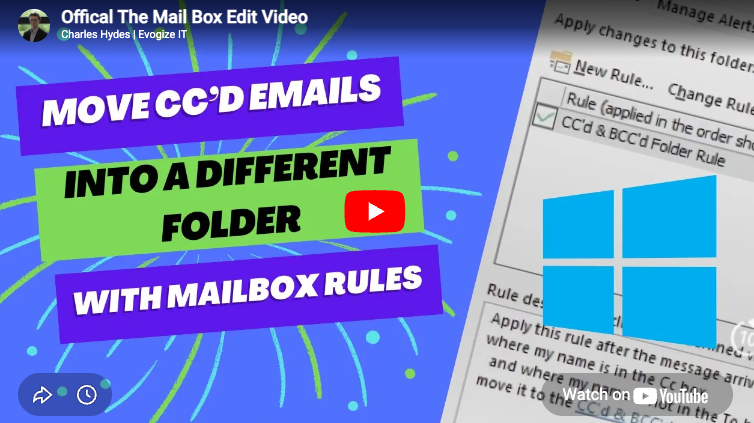
Managing a busy inbox is difficult enough, but when you’re copied into emails that aren’t directly for you, things can quickly get messy. CC’d messages often clutter your inbox, burying the emails that actually require your attention. In this guide (and video below), I show you how to automatically move all CC’d emails into their own folder using Outlook rules. This simple automation keeps your primary inbox clean and helps you focus on the emails that matter most.